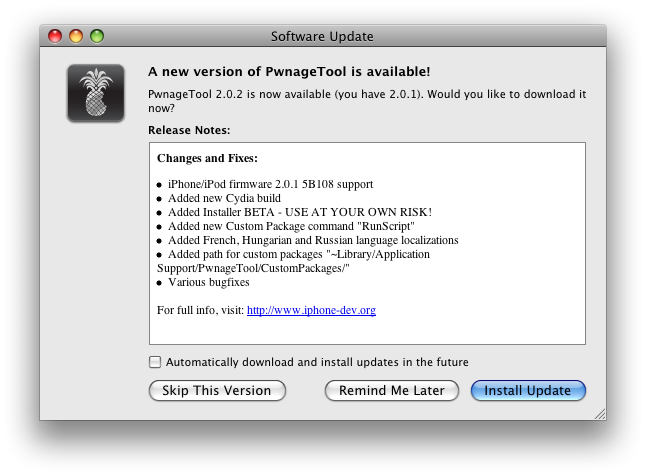
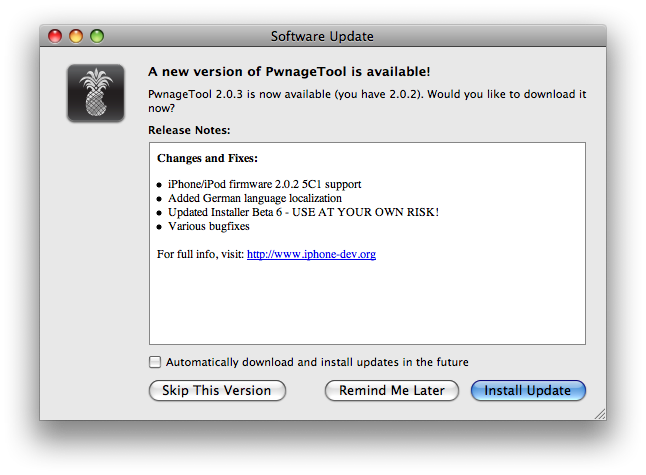
It is important to properly uncompress the pwnage tools in order to get the Cydia works after firmware restore.
Either use the update function in pwnage old version to get the new version or download the .tgz file and double click (using system Archive Utility) to uncompress. Don't use command line or third party software to uncompress the file.
Cydia needs +S right to run.
If you have terminal access, this is how to reinstall Cydia (if crashed) in command line after login root
 apt-get remove cydia
 apt-get update
 apt-get install cydia
to cleanup Cydia cache, run these
 rm /var/cache/apt/*bin
 apt-get clean
 apt-get update



 ◇ 哎.瘋.人.網 ◇
  顯示適合列印的版本
  寄給朋友
寄給朋友


 于 2008-08-09 12:59